
Your whole church on one screen.
The dashboard is the first thing a leader sees when they sign in: every module’s headline numbers for the week, the month, or the year, and behind each number, the people it’s about.


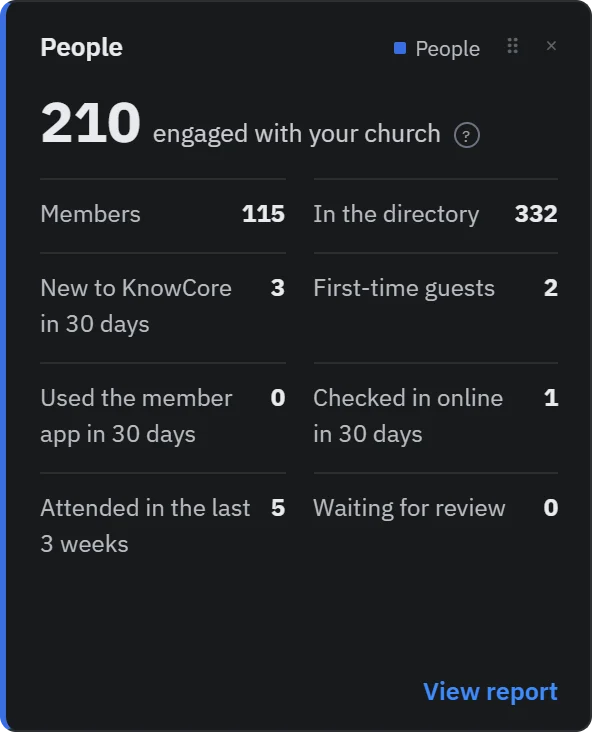
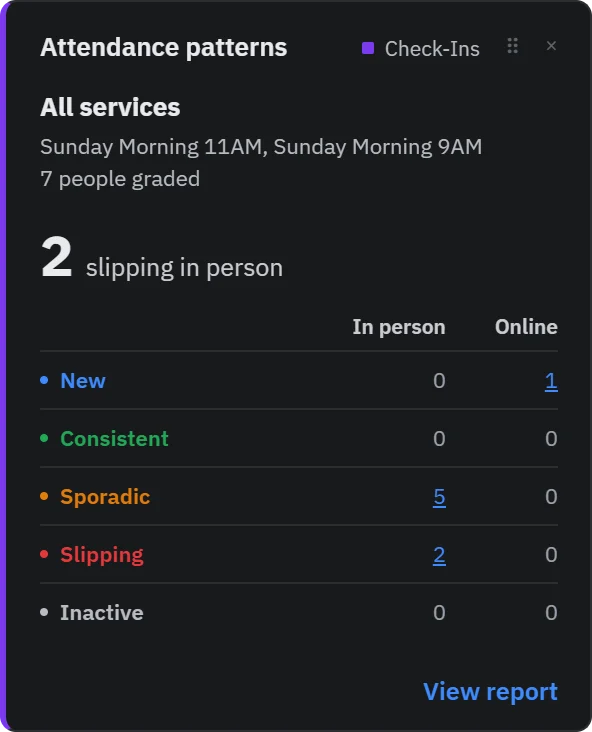
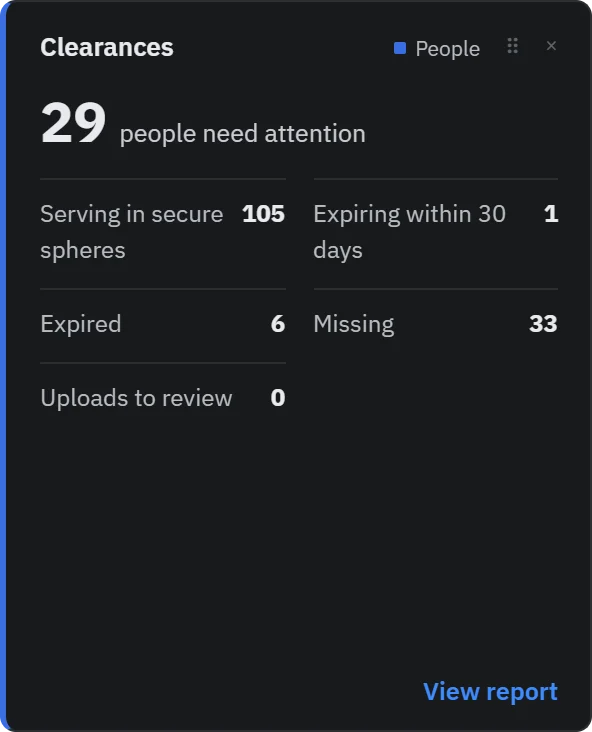
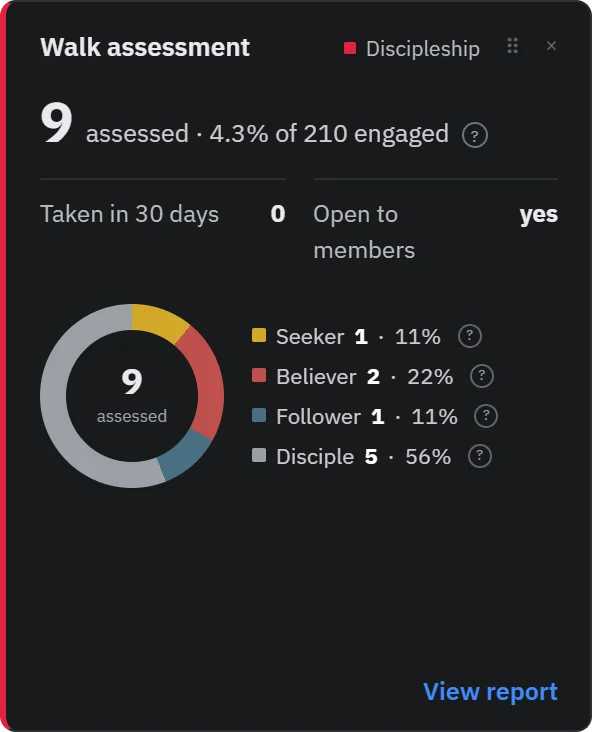
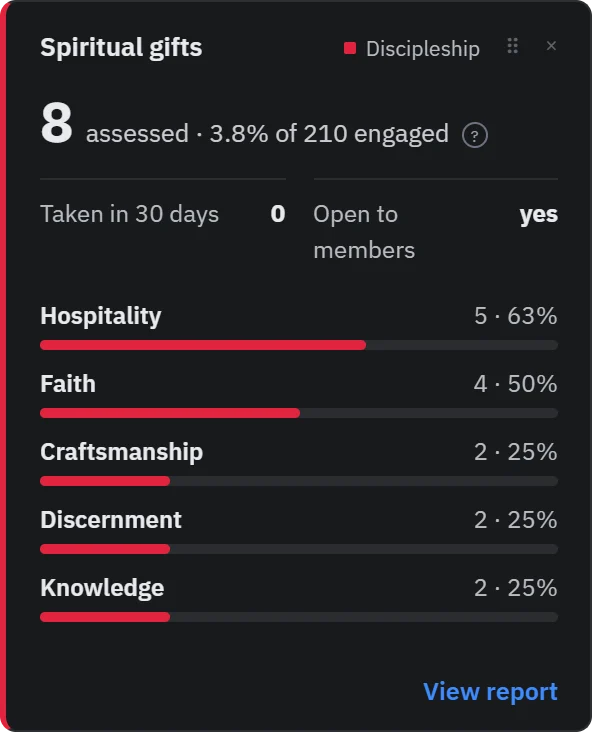
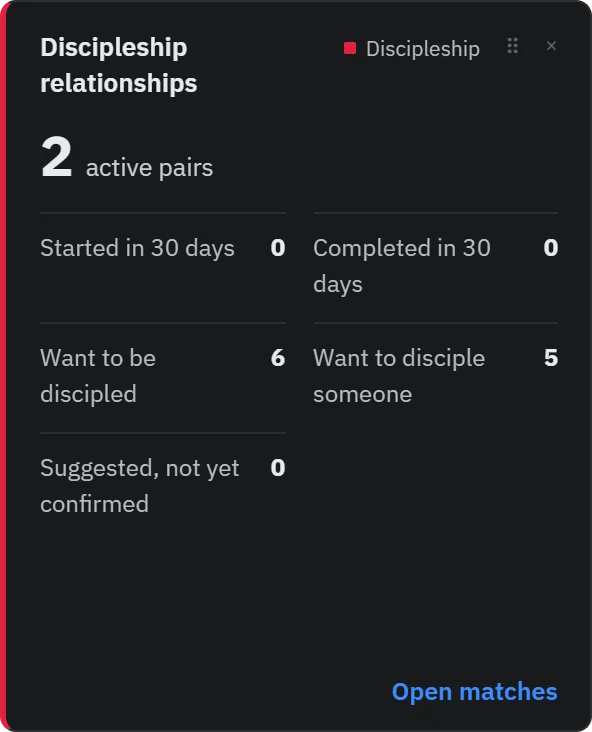
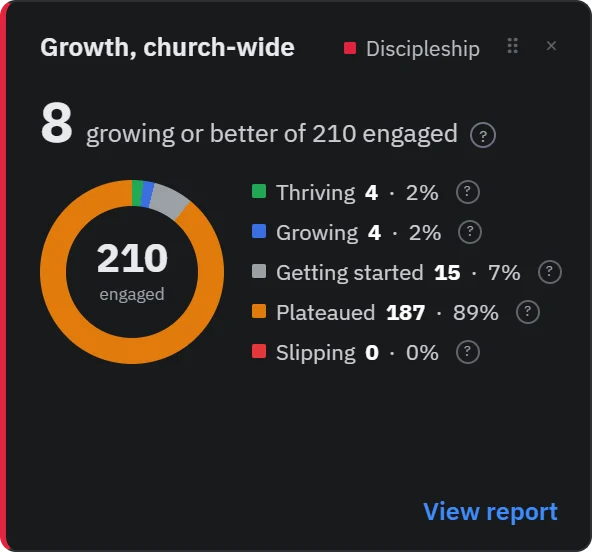
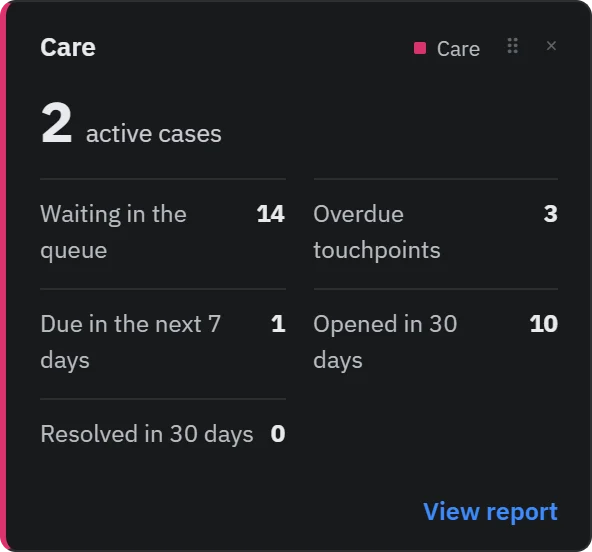
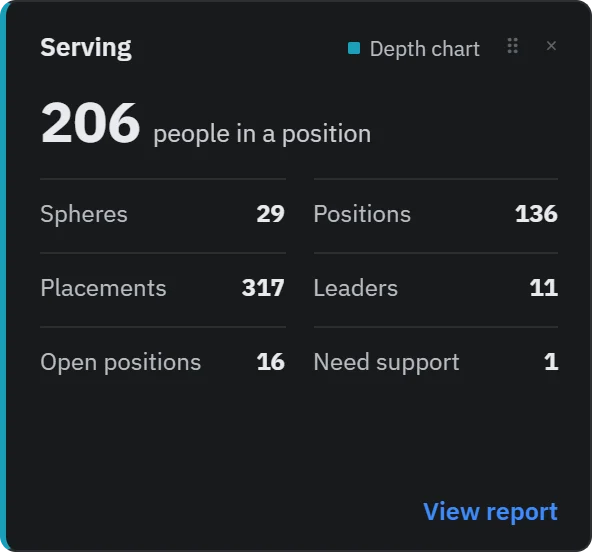
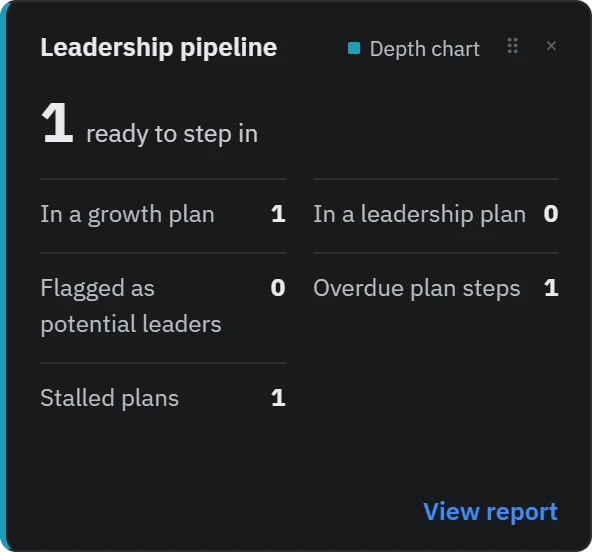
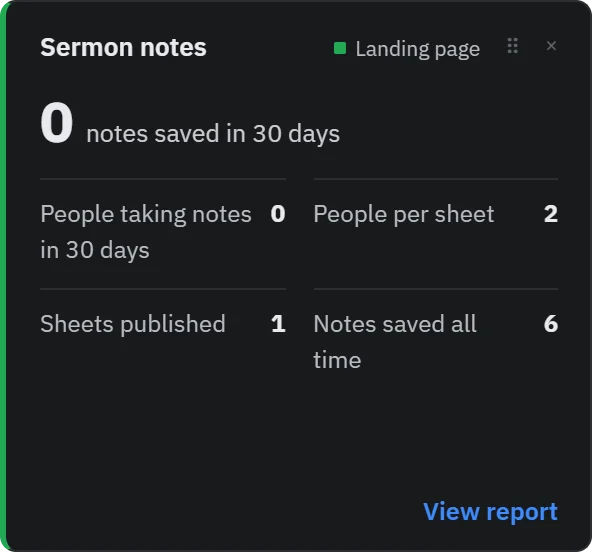
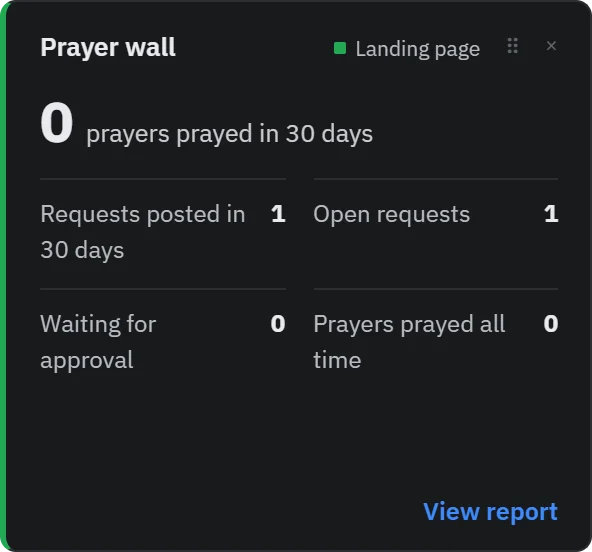
Demo data. Click any tile to enlarge. The real dashboard has a tile for every feature you’ve switched on — including reading plans, Scripture memory, rewards, and needs and meal trains.
Not a report you run. The page you start from.
Most church software buries the numbers three clicks deep and shows totals nobody acts on. This is the opposite.
Pick the window
Seven days, thirty, ninety, year to date, or twelve months. Every headline number follows it, so Monday morning and the annual meeting use the same page.
Every number is a door
Each tile opens a report: the people behind the number, with a “why” beside each name where it matters. Slipping isn’t a statistic — it’s a list.
Percentages that mean something
Ratios use people who have actually engaged — attended, assessed, served, prayed — not a synced directory of thousands. “9 of 194 engaged” tells you the truth.
Arranged your way
Drag tiles into the order that fits how you lead. Each leader keeps their own layout.
Only what you’re allowed to see
A leader whose access doesn’t include care, clearances, or discipleship data simply doesn’t get those tiles. Nothing sensitive leaks through a summary.
Needs attention, up top
A running list of what to act on now, this week, and worth noting, gathered from every module, so nothing waits for someone to go looking.
See your own church on it
Every new church gets 30 days of the full platform, no card needed. Import your people from Planning Center and the dashboard fills in from your first Sunday.